
Superhuman vs. Shortwave: The Honest Comparison for 2026
If you spend a meaningful chunk of your workday in your inbox—and research suggests that's about 28% of your workweek—you owe it to yourself to use an email client that actually helps you work faster. Superhuman and Shortwave are two of the most talked-about AI email clients on the market right now, and both promise to radically improve how you handle email. But they're built on different philosophies, target different types of users, and come at very different price points.
This comparison breaks down exactly where each app wins, where it falls short, and which one is worth your money depending on your situation. We tested both apps extensively and pulled the latest data to give you a clear picture.
Superhuman vs. Shortwave at a Glance
Both Superhuman and Shortwave are third-party email clients—they're not email providers. You connect them to your existing Gmail or Outlook inbox and use their interface instead of the default one. Think of them as a premium layer on top of your existing email account.
| Feature | Superhuman | Shortwave |
|---|---|---|
| Email providers supported | Gmail and Outlook | Gmail only (Outlook in testing) |
| Native apps | iOS, Android, Mac, Chromium web | iOS, Android, Mac, Windows, web browser |
| AI features | Auto Summarize, Instant Reply, Ask AI, Auto Labels, Auto Drafts | AI Assistant, Ghostwriter, AI filters, summaries, agentic chatbot |
| Inbox organization | Split Inbox with custom workstreams | Bundles with drag-and-drop grouping |
| CRM integrations | Salesforce, HubSpot, Pipedrive | None (Auto-BCC only) |
| Read receipts | Yes (all plans) | Yes (paid plans only) |
| Calendar integration | Built-in calendar views, Instant Event | Google Calendar integration |
| Onboarding | Live 1:1 onboarding included | Self-service |
| Starting price | $30/month | Free plan available; Pro from $14/month |
Email Provider and Platform Support
This is where the decision gets easy for a lot of people. If you use Outlook, Shortwave isn't an option for you yet—at the time of writing, Outlook support was still in testing. That makes Superhuman the only choice between these two for Outlook users.
If you're a Gmail user, you have a real choice to make. Both apps work well with Gmail, but they differ in which platforms they run on. Shortwave edges ahead here: it has native apps for iOS, Android, Mac, and Windows, plus a full web browser client. Superhuman's desktop support is limited to Mac and Chromium-based browsers only—so Windows users are stuck with a browser tab rather than a proper native app.
Who wins on compatibility?
Shortwave wins for Gmail-only users who want the broadest platform coverage. Superhuman wins—by necessity—for anyone using Outlook.
AI Features: Where Each App Actually Differs
Both apps lean heavily into AI, but their implementations feel different in practice. Superhuman's AI works more invisibly in the background. Features like Auto Labels, Auto Drafts, and Auto Summarize trigger automatically without you needing to prompt them. The AI does its job quietly, keeping you moving through your inbox without requiring you to initiate a conversation with a chatbot.
Shortwave's AI approach is more conversational. Its AI Assistant functions like an agentic chatbot—you can ask it to search your inbox, summarize threads, draft replies, and extract specific information from past emails. The Ghostwriter feature personalizes writing suggestions based on your existing communication style, which is a meaningful improvement over generic AI writing tools.
Newsletter
Get the latest SaaS reviews in your inbox
By subscribing, you agree to receive email updates. Unsubscribe any time. Privacy policy.
Auto Drafts vs. Ghostwriter
Superhuman's Auto Drafts feature pre-populates reply drafts so you can review and send without starting from scratch. This is genuinely useful for high-volume inboxes. Shortwave's Ghostwriter takes a different angle—instead of drafting everything automatically, it learns how you write and suggests responses that actually sound like you. For people who receive a lot of emails but care about maintaining a personal voice, Ghostwriter has a clear advantage.
Which AI is more capable?
Shortwave's AI edges ahead on raw capability—the agentic chatbot interface makes it feel more like a true inbox assistant. Superhuman's AI is more seamlessly integrated into your workflow without requiring extra steps. The right choice depends on whether you want automation that runs in the background or a responsive AI you can query directly.
If you're also evaluating AI writing tools outside the inbox, it's worth looking at dedicated solutions like Jasper or Copy.ai for content-heavy email campaigns—though these serve a different use case than personal inbox management.
Productivity Features and Inbox Management
Both apps treat your inbox like a task list, not an archive. The idea is zero-inbox thinking: process each email, archive it, and move on. The execution differs.
Superhuman's approach: speed above everything
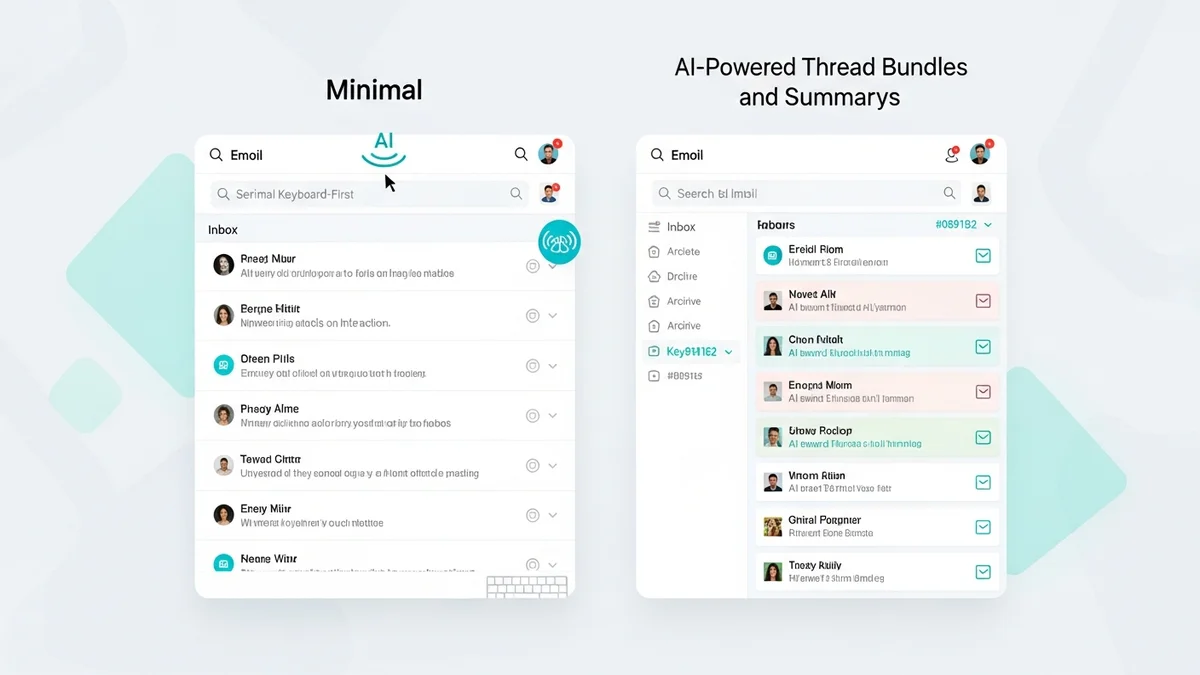
Superhuman is built around keyboard shortcuts. With over 100 shortcuts available, experienced users can blaze through their inbox without touching the mouse. The Split Inbox feature lets you create custom workstreams—separating emails from your team, newsletters, and clients into distinct views. The built-in calendar integration and Instant Event feature let you create calendar events directly from email content without switching apps.
The onboarding experience deserves a mention: Superhuman includes a live 1:1 onboarding session with every subscription. This is unusual at this price point and it makes a genuine difference for getting users productive quickly. Rather than leaving you to figure out 100+ shortcuts on your own, someone walks you through the setup and workflow.
Shortwave's approach: clean and flexible
Shortwave organizes emails into Bundles—customizable groups that you can create and rearrange with drag-and-drop. The interface is notably cleaner than Superhuman's, which some users find text-congested. Shortwave also includes link tracking, a Do Not Disturb mode, and an archive-all option for bulk-clearing your inbox.
The customization story is stronger on Shortwave's side. You have more control over how your inbox looks and how emails are grouped, without the steep learning curve that comes with Superhuman's keyboard-first approach.
Read receipts and tracking
Superhuman includes read receipts on all plans. Shortwave reserves read receipts for paid tiers. If you rely on open tracking to follow up on important emails, factor this into your decision—especially if you're considering Shortwave's free plan.
For sales teams who need more sophisticated email tracking beyond read receipts, tools like Smartlead or Lemlist are purpose-built for outreach sequences and may be better fits alongside a personal inbox client.
Team Collaboration Features
Both apps have made moves toward supporting team workflows, though neither is a full team inbox solution like Front.
Superhuman offers Shared Conversations and Team Comments, letting colleagues collaborate on email threads without forwarding chains. The CRM integrations—Salesforce, HubSpot, and Pipedrive—make Superhuman significantly more useful for sales and customer-facing teams who need email activity logged to their CRM automatically.
Shortwave supports thread sharing, team comments, and shared labels. But it has no native CRM integrations—only Auto-BCC, which requires manual setup and doesn't provide the deep two-way sync that Superhuman's native integrations offer. For teams where CRM logging is part of daily workflow, this gap matters.
Pricing: A Significant Gap
Pricing is one of the clearest differentiators between these two apps.
| Plan | Superhuman | Shortwave |
|---|---|---|
| Free tier | None | Yes (limited features) |
| Entry paid plan | $30/month | $14/month (Pro) |
| Business plan | $30/month | $24/month |
Superhuman costs $30 per month flat—there is no free trial, no lower tier, and no annual discount mentioned publicly. You're committing $360 per year from day one. Shortwave offers a free plan with core features, a Pro plan at $14 per month, and a Business plan at $24 per month. Even at its most expensive, Shortwave costs $72 less per year than Superhuman.
For individual professionals, that price gap is meaningful. For teams of five or more, the difference compounds quickly. Superhuman would need to demonstrably save you more time than Shortwave to justify the premium—and depending on how you work, it may well do that. The live onboarding, deeper CRM integrations, and Outlook support all contribute to the higher price tag.
If price is your primary concern and you just need basic inbox intelligence without the premium client experience, SaneBox is worth evaluating as a lighter-weight alternative that layers AI sorting on top of your existing email client at a lower cost.
Superhuman vs. Shortwave: Which Should You Choose?
There's no objectively correct answer here—these apps target slightly different users, and the right choice depends on your specific situation.
Choose Superhuman if:
- You use Outlook, or manage both Gmail and Outlook accounts
- You're on a sales or customer success team that needs CRM integration with Salesforce, HubSpot, or Pipedrive
- You want AI that works invisibly in the background without requiring chatbot prompts
- You're willing to invest time in learning keyboard shortcuts and want maximum inbox speed
- The live 1:1 onboarding is valuable to you or your team
Choose Shortwave if:
- You use Gmail exclusively and want the best AI assistant experience
- You want a cleaner, more approachable interface that's easier to learn
- You need Windows desktop support alongside Mac and mobile
- You want to try before committing—Shortwave's free plan lets you evaluate the product with no financial risk
- Price is a significant factor: $14-24/month versus $30/month adds up over time
For most Gmail-only users who want an intelligent inbox without a steep learning curve, Shortwave offers better value. Its AI feels more like a personal assistant, the interface is genuinely easier to navigate, and the pricing is substantially more accessible. Superhuman, meanwhile, earns its premium price for power users and teams who need Outlook support, CRM integrations, and are ready to commit to a keyboard-driven workflow.
Neither is a bad choice. Both represent a genuine upgrade over using Gmail or Outlook's default interface. The question is whether Superhuman's specific advantages—Outlook, CRM integrations, background AI—are worth the extra $16 per month over Shortwave's Business plan.