What Is Writesonic and Why It Matters in 2026
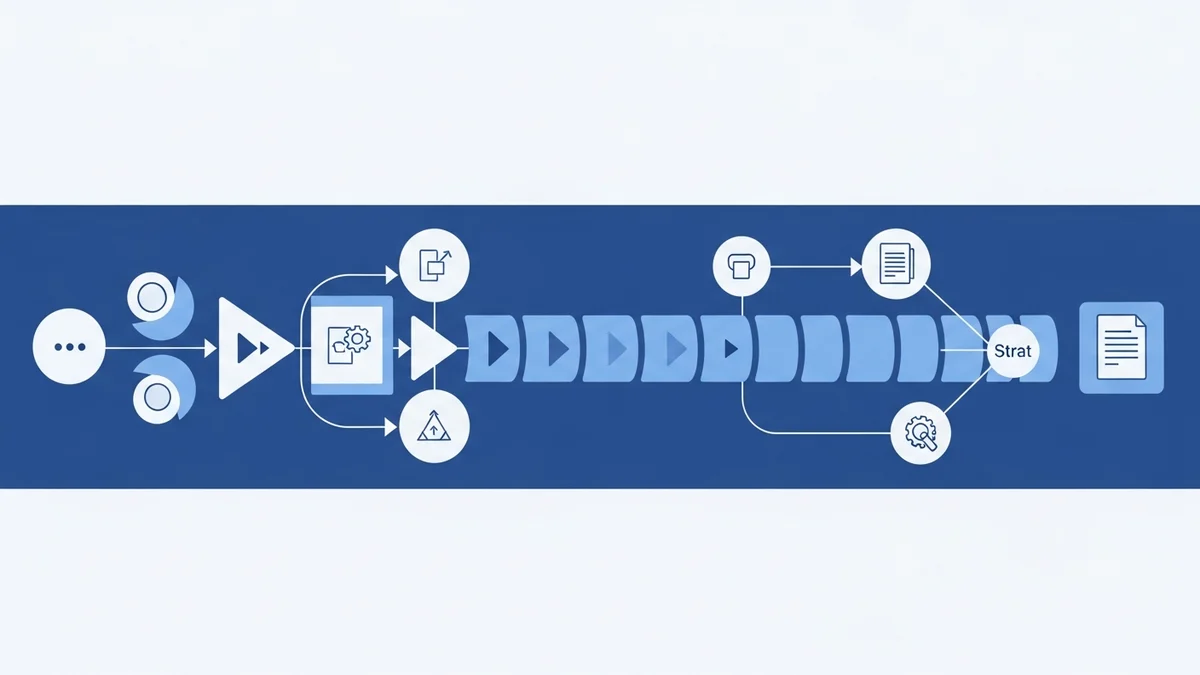
Writesonic has undergone a fundamental transformation. What started as a blog post generator has evolved into what the company now calls an AI Content Operating System — a platform that routes tasks across multiple frontier models including GPT-5, Claude 4.5, and proprietary specialized models depending on complexity and cost efficiency.
For email marketers and content teams, this matters because the content bottleneck is no longer about generating words — it is about producing structured, research-backed, on-brand content at volume without sacrificing quality. Writesonic's 2026 architecture is built specifically around this problem.
Victoria Kurichenko, an independent SEO strategist, tested the Professional plan in January 2026 and put it plainly: she could not realistically hit a six-figure website income running solo without AI-powered content automations. At $249/month, she treated Writesonic as a business-critical investment, not a writing toy.
If you are comparing AI writing tools for your email or content stack — tools like Jasper or Copy Ai — Writesonic deserves a serious look because it sits at a different layer of the stack: it is not just a copywriting tool, it is a content pipeline.
Core Writesonic Features Broken Down
Model Routing Architecture
Writesonic does not rely on a single underlying model. Its internal router dispatches prompts to different models based on task complexity:
- Simple tasks (social captions, subject lines, short-form copy): routed to faster, lower-cost models
- Mid-tier tasks (email sequences, product descriptions): handled by GPT-5-Turbo class models
- Complex tasks (3,000-word technical whitepapers, long-form SEO articles): dispatched to Writesonic-Ultra or Claude-Opus-Next
This routing is invisible to the user by default, but the API exposes a model parameter (e.g., "premium-plus") for developers who need explicit control over which model tier handles a task.
AI Writer — 10-Step Content Workflow
Writesonic's Article Writer is one of its most refined features. The workflow spans 10 steps and is designed to replicate your brand's tone of voice before a single word is generated. Key steps include:
- Selecting the article type (listicle, how-to, comparison, etc.)
- Choosing research mode: auto-gather from the web or upload custom sources
- Reviewing and editing the AI-suggested outline before generation
- Setting tone of voice and creativity level
- Optionally including auto-generated header images via Photosonic
The "Custom Sources" option is particularly useful for B2B email marketers who want to ground AI-generated content in internal data, case studies, or gated research rather than generic web results.
ChatSonic
ChatSonic is Writesonic's conversational AI interface — similar in feel to ChatGPT but with the ability to connect to real-time web data. For email teams, it can be used to brainstorm subject line variants, draft follow-up sequences, or refine campaign briefs conversationally. It is also programmable via API, making it viable as a customer-facing chatbot backend.
Photosonic (Image Generation)
Writesonic includes built-in image generation. It works well enough for blog headers and social assets, but lags behind dedicated tools like Midjourney for photorealistic or highly stylized outputs. For email marketers who need quick header images without leaving the platform, it is a useful convenience. For brand-critical visuals, treat it as a draft tool only.
Native Integrations
Writesonic connects natively with:
- WordPress — publish directly from the editor
- Shopify — product description generation at scale
- Zapier — connect to hundreds of downstream tools
- Ahrefs — pull real keyword data into content briefs
- Google Analytics & Search Console — surface traffic data and ranking gaps directly in the workflow
The Ahrefs and GSC integrations are particularly valuable. Instead of guessing at keyword intent, Writesonic can pull actual search volume and ranking data into the brief, making the output meaningfully more targeted than generic AI writing tools.
Writesonic Pricing in 2026
Newsletter
Get the latest SaaS reviews in your inbox
By subscribing, you agree to receive email updates. Unsubscribe any time. Privacy policy.
Writesonic does not publish a simple one-size price. Plans are structured around features included, not just word count:
| Plan | Monthly Price | Key Inclusions | Best For |
|---|---|---|---|
| Free Trial | $0 | Limited generations, basic AI Writer | Evaluating the platform |
| Individual / Starter | ~$16–$20/month | Core AI Writer, ChatSonic, basic templates | Solo bloggers and freelancers |
| Professional | $249/month | AI search tracking, full SEO suite, Ahrefs/GSC integrations, priority model access | Solo operators and small teams scaling content |
| Enterprise | Typically $500+/month | Custom model routing, dedicated account manager, API rate limit increases, SSO | Agencies and in-house content teams with high volume |
The jump from starter-tier to Professional is steep. The Professional plan at $249/month is where the platform's real differentiators — AI search tracking and the Ahrefs/GSC integrations — become available. If those features are not in your plan, you are essentially paying for a more polished version of what Copy Ai does at a lower price point.
Writesonic for Email Marketing: Where It Fits
Writesonic is not an email sending platform — it does not replace tools like Mailchimp, Activecampaign, or Instantly. Its role in an email stack is upstream: generating the content that flows into those platforms.
Specific use cases where Writesonic adds measurable value:
- Email newsletter content: Use the AI Writer to produce long-form content that gets repurposed into newsletter segments. The 10-step workflow with tone-of-voice training means less manual editing than generic AI outputs.
- Cold email sequence copy: ChatSonic can draft multi-touch sequences quickly. Pair with a sending tool like Smartlead or Lemlist for delivery and personalization at scale.
- Subject line testing: Generate 10–20 subject line variants for A/B testing within minutes, with consistent brand tone.
- Lead magnet and nurture content: Long-form guides, whitepapers, and gated assets that feed email capture flows can be drafted and outlined in Writesonic before human editing.
Developer API: Building Automated Content Pipelines
Writesonic offers official SDKs for Python and Node.js, making it viable for teams that want to automate content production rather than rely on manual UI workflows.
Python SDK
pip install writesonic-sdkA basic article generation call looks like this:
from writesonic import WritesonicClient

client = WritesonicClient(api_key=os.environ.get("WRITESONIC_API_KEY"))

response = client.article_writer.create(
    topic="AI Email Personalization in 2026",
    keywords=["AI email", "email automation", "personalization"],
    tone="Professional",
    model="premium-plus",
    language="en",
    include_images=True
)
The model="premium-plus" parameter routes the request to the highest-tier available model (currently GPT-5 class). For lower-stakes content, using a mid-tier model reduces cost per generation significantly.
Node.js SDK
npm install @writesonic/clientThe ChatSonic interface is also programmable, making it practical for building lightweight customer-facing chatbots or internal content request bots that integrate into Slack or email workflows.
Common Mistakes When Using Writesonic
Mistake 1: Leaving Creativity Settings Too Low
Writesonic's outputs become formulaic when the creativity dial is set to minimum. This is a common default for teams worried about hallucination, but the result is content that reads like every other AI-generated article. The fix: run at a mid-to-high creativity setting, then fact-check outputs rather than constraining them at generation time.
Mistake 2: Skipping the Tone-of-Voice Training Steps
The 10-step workflow exists for a reason. Teams that skip straight to generation without setting tone parameters end up with content that sounds like Writesonic, not their brand. Spend 15–20 minutes upfront configuring tone examples. The payoff in reduced editing time is significant.
Mistake 3: Treating the Professional Plan as Optional
The starter-tier plans lack the Ahrefs and Google Search Console integrations that make Writesonic competitive with dedicated SEO tools. Without real keyword data feeding into the brief, you are asking the AI to guess at search intent. This is where the $249/month Professional plan earns its cost — or where you should honestly evaluate whether a cheaper tool fits your current volume.
Mistake 4: Using Photosonic for Brand-Critical Assets
Photosonic is a convenience feature. Using it for hero images in high-stakes email campaigns or landing pages will produce results that look AI-generated to a trained eye. Use it for drafts, internal mockups, and blog headers where polish is secondary to speed.
Mistake 5: Ignoring the Zapier Integration
Many teams use Writesonic as a standalone tool when its Zapier integration allows it to function as a content engine inside a larger automation stack. Trigger a content generation job from a CRM update, a new lead capture, or a calendar event — then push the output directly into your CMS or email platform. This is where the tool moves from a productivity tool to an infrastructure component.
Writesonic vs. Competing AI Writing Tools
| Tool | Starting Price | Primary Strength | Weakness vs. Writesonic |
|---|---|---|---|
| Writesonic Professional | $249/month | SEO integrations, model routing, full pipeline | — |
| Jasper | ~$49/month (Creator) | Brand voice training, marketing copy templates | No native Ahrefs/GSC data integration |
| Copy Ai | ~$36/month | Sales copy and workflow automation | Weaker long-form SEO content pipeline |
Jasper is the closest competitor for brand-voice-trained marketing copy. If your primary use case is email copy and ad creative — not long-form SEO content — Jasper at a lower entry price may be a better fit. Writesonic justifies its Professional tier pricing only when you are actively using the SEO data integrations.
Bottom Line: Who Should Use Writesonic
Writesonic in 2026 is a strong platform for:
- Solo operators and small teams scaling long-form content for SEO-driven lead generation
- Developers building automated content pipelines via the Python or Node.js SDK
- Email marketers who need upstream content (newsletters, lead magnets, nurture sequences) generated at volume with consistent brand tone
- Agencies managing content production across multiple client domains
It is not a replacement for a sending platform. Pair it with Activecampaign for automated nurture flows or Instantly for cold outreach — Writesonic handles the content, those platforms handle the delivery logic and analytics.
At $249/month for the Professional plan, the tool demands volume to justify its cost. If you are publishing fewer than 10 pieces of long-form content per month, the starter tier or a lower-cost tool covers the use case adequately. At 20+ pieces per month with SEO intent, the integrations and workflow structure start paying for themselves.





