
The Email Productivity Crisis Is Real (and the Numbers Prove It)
Here is a number that should stop you cold: the average professional spends 4.1 hours every single day managing email. In a standard 40-hour work week, that is more than half of your available productive time consumed by reading, sorting, drafting, and deleting messages. Not shipping product. Not talking to customers. Not doing the work you were hired to do. Just managing a communication channel.
And yet, despite this obvious drain, most teams treat their email workflow as a fixed cost — something to endure rather than fix. That assumption is now obsolete. The emergence of AI email assistants, built on Large Language Models (LLMs) and agentic workflows, has made it genuinely possible to reclaim that time. The question is no longer whether AI can transform email productivity. The data proves it can. The question is why so few teams are actually capturing those gains.
Consider this: 87% of businesses are already applying AI to email marketing workflows. Yet only 6% of organizations qualify as AI high performers, and a staggering 1% consider themselves mature in enterprise-wide AI adoption. Most teams have bolted AI tools onto legacy processes and called it transformation. That is not transformation — it is decoration.
This guide breaks down what is actually happening, what the numbers mean in practice, and how to close the gap between adoption and performance.
What AI Email Assistants Actually Do (Under the Hood)
Before getting tactical, it is worth being precise about what separates genuine AI email assistants from the glorified spell-checkers that dominated inboxes a few years ago.
Traditional email filters and rules operate on rigid if-then logic: if the sender is X, move to folder Y. This is useful but dumb. It cannot understand nuance, context, urgency, or intent. It processes metadata, not meaning.
Modern AI email assistants work differently. They are built on Natural Language Processing (NLP) and Machine Learning (ML) — which means they read emails, not just scan them. They identify dates, action items, emotional tone, and priority signals. They can summarize a 50-message thread into three bullet points, draft a contextually appropriate reply to a complex customer complaint, or flag that a message buried in a newsletter digest actually contains a time-sensitive contract clause.
Core Capabilities That Define the Category
The best AI email tools in 2026 operate across four main capability pillars:
- Intelligent triage: Automatically sorting and prioritizing incoming mail based on inferred urgency, sender relationship, and content type — not just subject line keywords.
- Contextual drafting: Generating reply drafts that match your tone, reference prior conversation history, and account for the recipient relationship. Tools like Superhuman have pushed this to near-instant reply generation that actually sounds like you.
- Workflow automation: Triggering downstream actions — CRM updates, task creation, calendar holds — based on email content without manual intervention.
- Content generation at scale: Producing full email campaigns, sequences, and variations from a brief. Platforms like Jasper and Copy.ai have made this viable for marketing teams running high-volume outreach.
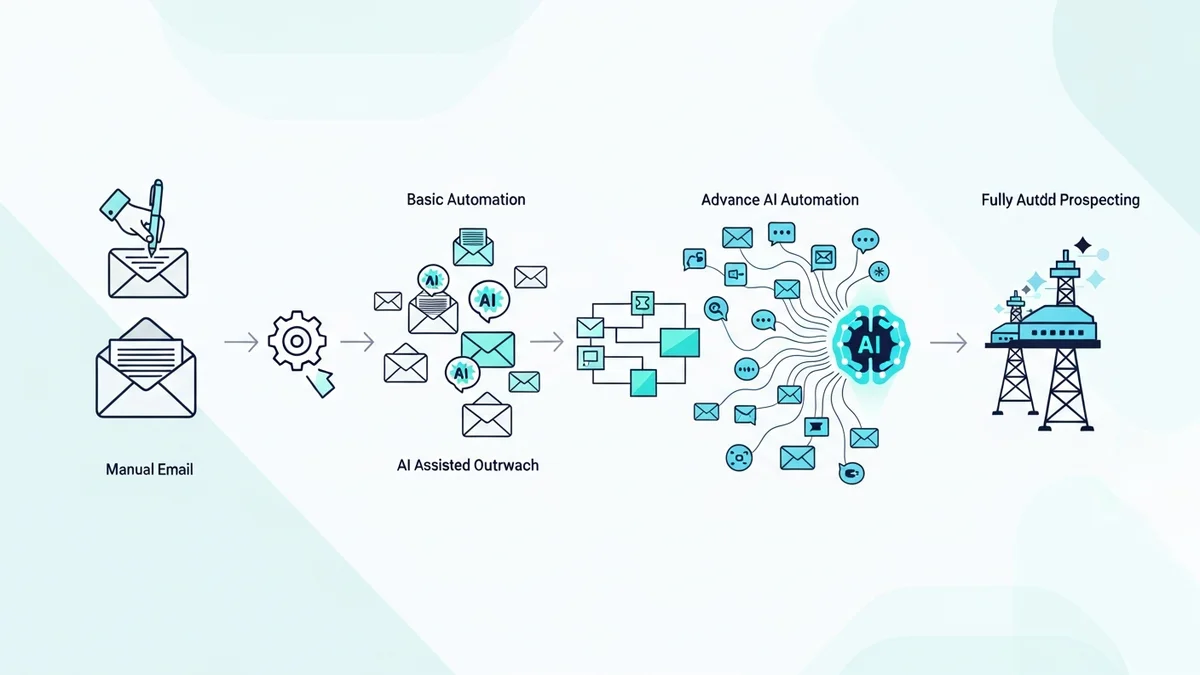
The distinction that matters most is between tools that assist individual actions versus tools that redesign the workflow around AI. The former saves minutes. The latter saves hours.
The Production Timeline Revolution: Legacy vs. AI-Powered
The most dramatic evidence for AI's impact on email productivity comes from production timeline data. The transformation here is not incremental — it is structural.
In 2023, 62% of marketing teams needed two or more weeks to produce a single email. By 2025, only 6% of teams were still in that position. That collapse in production time did not happen because people started typing faster. It happened because the workflow architecture changed.
Newsletter
Get the latest SaaS reviews in your inbox
By subscribing, you agree to receive email updates. Unsubscribe any time. Privacy policy.
Here is what the legacy workflow looks like from the inside: design requests queue for days. Developers are gatekeepers for layout changes. Approval workflows span time zones and competing calendar priorities. Each email is treated as a bespoke project rather than an assembly of reusable, pre-approved components. The result is predictable: 35% of marketing teams identify approval management as their primary bottleneck, 34% cite content creation as a major impediment, and 53% describe their review process as too burdensome to sustain.
The teams that have escaped this are not working harder. They have rebuilt the assembly line.
Production Timeline Benchmarks: Before and After AI
| Metric | Legacy Workflow | AI-Powered Workflow | Source |
|---|---|---|---|
| Standard email production time | 8–14 working days | ~10 minutes (Amazon case) | Denada / Knak |
| Complex multilingual campaign time | Up to 21 days | 70% faster with AI platforms | Denada |
| Teams needing 2+ weeks per email (2023) | 62% | 6% (2025) | Litmus |
| Time spent managing email daily (avg. professional) | 4.1 hours | Significantly reduced with AI triage | Wesionary / Gmelius |
| Teams sending email weekly or more | 58% of marketing teams | Sustained only by workflow automation | Litmus |
The Amazon and Google Cloud examples deserve emphasis because they are not outliers — they are proof points for what is structurally possible. Amazon's marketing team reduced email build time by 95%. Google Cloud achieved a 90% reduction in change requests at launch and deployed the solution to 250 marketers simultaneously. These are outcomes that come from treating AI as an infrastructure change, not a feature addition.
How Leading Teams Are Using AI Email Tools Right Now
Knowing that AI can compress timelines is useful. Knowing how the best teams are deploying it is actionable.
Inbox Triage and Priority Management
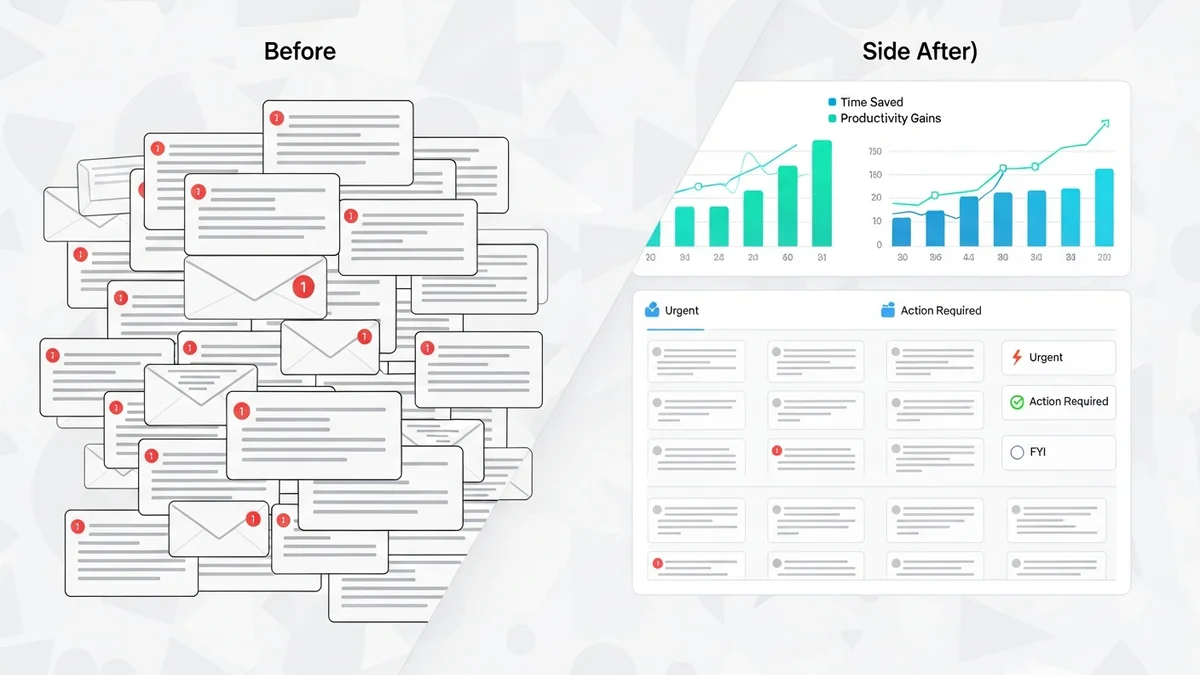
For individual professionals drowning in volume, AI-powered triage is the highest-ROI starting point. Tools that learn your communication patterns and surface what actually needs your attention — versus what can wait, be delegated, or be ignored entirely — directly reclaim the 4.1 daily hours currently spent on undifferentiated inbox processing.
SaneBox has built its entire product around this problem, using behavioral ML to score email importance and automatically move low-priority messages out of the primary inbox. For teams using Gmail or Outlook, Spark Mail takes a similar approach with its AI-powered priority inbox, clustering messages by type and urgency rather than arrival time.
AI-Assisted Drafting and Response Generation
Response generation is where LLM capability maps most directly onto email productivity. The best implementations here go beyond generic "write a reply" prompts — they factor in thread history, relationship context, and the appropriate level of formality for the recipient.
Superhuman's AI Write feature is arguably the category leader for professional inbox management, generating contextually accurate reply drafts that require minimal editing. For sales teams, Instantly applies AI drafting at scale — generating personalized outreach sequences across thousands of leads without the quality degradation that usually comes with volume.
Campaign Creation and Content at Scale
For marketing teams, the content creation bottleneck identified by 34% of organizations is the primary target. AI writing tools have made it possible to go from a campaign brief to a full multi-email sequence in under an hour — a workflow that previously required copywriters, multiple review rounds, and a week of calendar coordination.
Jasper positions itself explicitly for marketing teams that need brand-consistent content at volume, with email templates and tone controls that reduce the editing burden significantly. Mailchimp's AI content tools serve a similar function for teams already inside that platform's ecosystem, generating subject lines, body copy, and send-time recommendations from campaign data.
Outreach Automation and Personalization
For sales and growth teams running high-volume outreach, AI personalization closes the gap between scale and quality. The old tradeoff — you could either send personalized emails or send many emails — is no longer structurally enforced. Tools like Lemlist and Smartlead generate individualized opening lines and variable content blocks at volume, producing sequences that read as researched and specific rather than templated.
The 6% Problem: Why Most Teams Still Are Not Seeing Real Results
Here is the uncomfortable reality beneath the adoption numbers: 87% of businesses have adopted AI for email, but only 6% are high performers. That gap is not a technology problem. It is an architecture problem.
Most teams have added AI tools to workflows that were never designed for them. They use AI to generate content that then goes through the same multi-week approval chain that existed before. They install inbox triage tools but continue treating every flagged message with equal urgency out of habit. They buy AI writing assistants and still run five rounds of edits before sending because the approval process was not redesigned alongside the creation process.
The teams achieving 70–95% efficiency gains did something different. They asked a different question: not "how do we add AI to what we do?" but "if we were building this workflow from scratch knowing AI exists, what would it look like?"
The answer almost always involves fewer human handoffs, pre-approved component libraries, AI as the first draft rather than the final polish, and approval processes that trust the system enough to move at its speed. This is not about eliminating human judgment. It is about deploying it at the right points rather than every point.
For teams serious about closing the gap, the starting point is an honest audit of where time actually goes. The 4.1 daily hours on email is not uniformly distributed — most of it concentrates in a handful of high-friction activities. Identify those activities, find the AI tools purpose-built to address them, and redesign the workflow around the tool's speed rather than the legacy process's expectations.
The tools exist. The benchmarks are proven. The gap between where most teams operate and what is achievable with AI is not a technology question anymore — it is a willingness to rebuild question. And the teams that answer it first will hold a durable operational advantage over those still treating AI as a nice-to-have add-on to an email stack built for a different era.