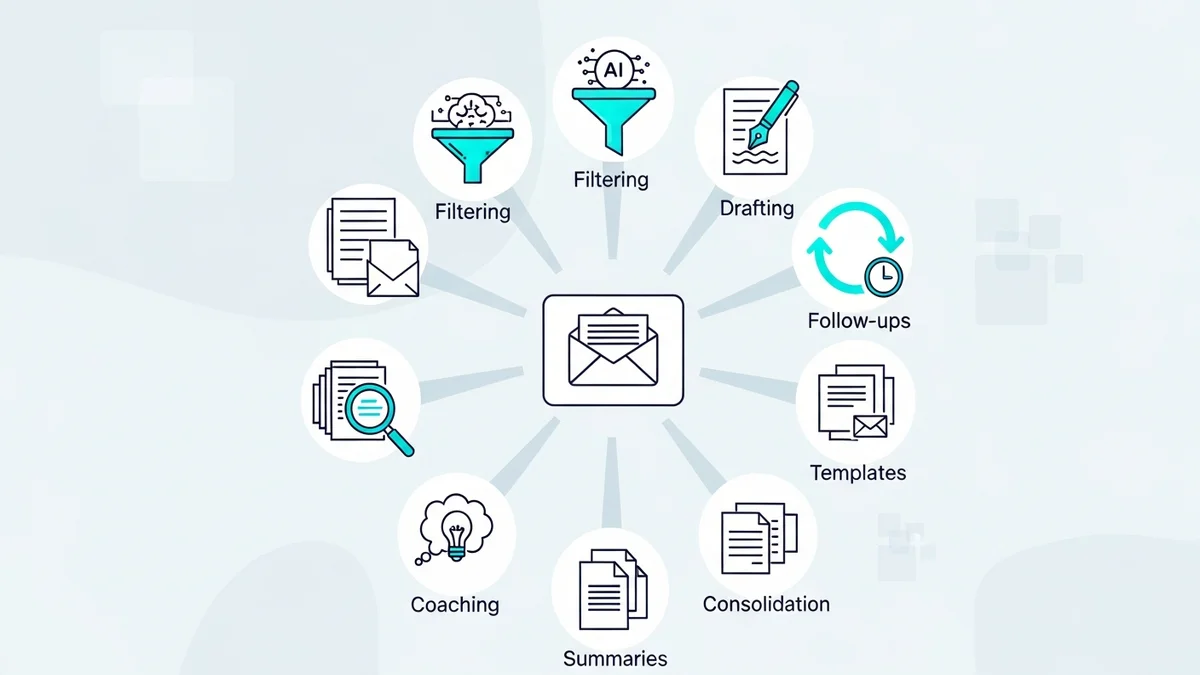

The Email Overload Problem AI Was Built to Solve
The average office worker receives 121 emails per day. Let that number sit for a second. That's not a manageable inbox — that's a second job. And with global email volume expected to hit 392 billion messages sent daily by the end of 2026, the situation is not getting easier without outside help.
AI didn't enter the email space as a novelty. It entered because the alternative — spending hours triaging, drafting, and organizing manually — was quietly destroying productivity at scale. What's changed in 2025 and into 2026 is that AI email tools have matured past gimmick territory. They're now deeply embedded in how serious professionals handle communication, and the gap between those using them and those not is measurable.
This guide breaks down the specific, concrete ways AI improves email workflow — not as a list of features, but as an honest assessment of where the technology actually delivers and where you need to be realistic about its limits.
AI-Assisted Email Drafting: Eliminating the Blank Page
The most immediate, visceral win AI delivers is removing the friction of starting an email. Writer's block is real, and even experienced communicators waste minutes staring at a compose window before typing the first sentence. AI drafting tools eliminate that entirely.
The workflow is straightforward: you provide a short prompt or context — "follow up on our proposal from last Tuesday, keep it brief, professional tone" — and the AI returns a full draft in seconds. You review, adjust if needed, and send. What used to take four minutes now takes forty-five seconds.
But drafting speed is the surface-level benefit. The deeper value is consistency at volume. If you're sending 30 outreach emails a week, manual writing introduces tone drift, forgotten details, and quality variance. AI tools like Jasper apply consistent structure, tone, and messaging across every single message — whether it's your first email of the day or your thirtieth.
Where AI Drafting Excels
- Routine communication: Follow-ups, reminders, acknowledgment emails, and transactional messages are ideal candidates. The context is predictable, the stakes are moderate, and speed matters.
- High-volume outreach: Cold email sequences that need to feel personalized at scale — tools like Instantly and Lemlist are built specifically for this use case.
- Tone adaptation: Need to soften a complaint response or sharpen a negotiation email? AI can rewrite an existing draft in a different register without you starting over.
Where Manual Writing Still Wins
It's worth being direct here: for messages that require genuine emotional intelligence — a difficult client conversation, a nuanced internal conflict, a deeply personal relationship — AI drafts will feel hollow if you send them unedited. Manual writing still outperforms AI on originality and emotional depth. The honest answer is that AI handles the volume so you have time for the messages that actually require your full attention.
Intelligent Inbox Triage: Getting Back to Zero Without the Anxiety
Inbox zero is a productivity myth for most people — not because it's impossible, but because achieving it manually requires constant attention. AI-powered prioritization changes the equation by doing the sorting work automatically.
Modern AI inbox tools analyze email content, sender history, and your past behavior to surface what actually needs your attention. An email from your biggest client gets flagged. A newsletter you haven't opened in three weeks gets deprioritized. A meeting request that conflicts with your calendar gets flagged before you even open it.
Tools like Superhuman have built their entire product around this concept — using AI to help users achieve and maintain inbox zero through intelligent triage, keyboard shortcuts, and read status tracking. Similarly, SaneBox uses AI to automatically sort incoming mail into priority categories, keeping your main inbox focused on what actually matters.
The Prioritization Layer Most People Miss
Newsletter
Get the latest SaaS reviews in your inbox
By subscribing, you agree to receive email updates. Unsubscribe any time. Privacy policy.
Beyond sorting, AI triage is increasingly capable of suggested actions — not just labeling an email as important, but recommending whether you should reply, delegate, archive, or schedule a follow-up. This shifts the cognitive load from "what do I do with this?" to a simple approve-or-adjust decision. That's a fundamentally different — and faster — way to work through a full inbox.
Personalization at Scale: The End of "Hi [First Name]"
Here's an uncomfortable truth about email personalization before AI: it was mostly theater. Dropping someone's first name into a subject line is not personalization — it's mail merge. Real personalization means sending the right message, to the right person, based on meaningful context about who they are and what they need.
AI makes genuine personalization achievable at volume for the first time. According to Salesforce research, the number of outbound emails increased 15% last year — and that growth is being sustained because AI is doing the work of making those emails actually relevant, not just numerous.
Practically, this works in two directions:
Inbound Personalization (Marketing Email)
AI analyzes behavioral signals — which emails a subscriber opened, which links they clicked, what time they typically engage — and uses that data to tailor content dynamically. The same email campaign might render differently for different segments based on predicted preferences. ActiveCampaign has deep conditional content and predictive sending built into its platform for exactly this use case.
Outbound Personalization (Sales and Outreach)
For outreach sequences, AI can pull in context from LinkedIn profiles, company news, or CRM data to write opening lines that reference something genuinely specific to the recipient. This is the difference between a cold email that reads like a cold email and one that reads like someone actually did their homework. The response rate difference is not marginal.
Send Time Optimization and Performance Intelligence
Sending an email at the wrong time is a fixable problem that most people don't fix because fixing it manually would require more data than any individual can process. AI handles this automatically.
Send time optimization works by analyzing historical open and click data for each subscriber (or similar recipient profiles) and predicting the window when they're most likely to engage. For transactional email, this might mean identifying that your audience is most active on Tuesday mornings. For a sales sequence, it might mean spacing follow-ups at intervals that correlate with your specific reply rates.
Beyond timing, AI is increasingly powering A/B testing at a speed and scale that manual testing can't match. Traditional A/B testing requires you to define the variable, run the test for a statistically significant period, analyze results, and apply the winner. AI-powered multivariate testing can evaluate subject line variations, body copy, CTAs, and send times simultaneously — and adjust in real time rather than waiting for a test cycle to close.
AI Email Workflow: Comparing Approaches
| Workflow Area | Manual Approach | AI-Assisted Approach | Key Metric |
|---|---|---|---|
| Email Drafting | 3–8 minutes per message | Under 60 seconds with prompt | 121 emails received daily by average worker |
| Inbox Triage | Manual sorting, folder rules | Automatic priority scoring and suggested actions | 392 billion emails sent daily globally by 2026 |
| Personalization | First name, basic segments | Behavioral data, dynamic content, lookalike audiences | Outbound email volume up 15% YoY (Salesforce) |
| Send Timing | Intuition or fixed schedule | Per-recipient optimal send window | 77% of consumers prefer email for brand promotions |
| A/B Testing | One variable, multi-week cycles | Multivariate, real-time optimization | 4.7–4.8 billion global email users by end of 2026 |
Where AI Email Tools Fall Short (And What to Do About It)
No honest assessment of AI in email workflow skips the limitations. Three are worth naming directly:
Generic Output Without Good Inputs
AI drafting tools produce generic content when given generic prompts. "Write a follow-up email" will return a generic follow-up email. The quality of AI-generated email is directly proportional to the specificity of your input. Teams that invest time in building prompt libraries and templates get dramatically better output than those who expect the AI to fill in the gaps.
Tone Miscalibration in Sensitive Contexts
AI still struggles with genuinely nuanced human situations — a client who is frustrated but hasn't said so explicitly, a colleague who needs encouragement rather than efficiency. AI reads what's written; it doesn't always read what's meant. For high-stakes or emotionally complex messages, treat AI output as a first draft that needs your actual judgment applied to it, not a final product.
Data Privacy and Compliance
When AI tools analyze your email data to optimize performance, that data is leaving your environment. For teams handling sensitive client communication or operating under GDPR, HIPAA, or similar frameworks, understanding how each tool handles data — where it's stored, how it's used for model training, what access controls exist — is not optional due diligence. It's table stakes before adoption.
How to Start Improving Your Email Workflow with AI Today
The practical path forward doesn't require replacing your entire email stack overnight. Most professionals get meaningful results by adding AI in one specific area first, proving the value, and expanding from there.
Step 1: Identify Your Biggest Time Sink
Is it drafting? Inbox management? Outreach personalization? Start where the pain is highest. If your inbox is the problem, a triage tool like SaneBox or Superhuman will return time immediately. If you're sending high volumes of outreach, an AI writing tool integrated into your sequence platform will have faster ROI.
Step 2: Define What "Better" Looks Like
Vague goals produce vague results. Set a specific benchmark before you start: reply rate on cold outreach, time spent in inbox per day, emails sent per hour. Measure before and after. This is how you move from "AI seems helpful" to "AI saved us 90 minutes per day per rep" — the latter being the kind of number that justifies continued investment.
Step 3: Build Your Prompt Library
If you're using AI for drafting, spend an hour building a set of reusable prompt templates for your most common email types: follow-up, proposal, objection response, meeting request, project update. This single investment compounds — every person on your team using consistent, well-crafted prompts will produce more consistent, higher-quality output than improvising prompts each time.
Step 4: Review Before You Send
This sounds obvious, but it bears stating: AI-generated emails should have a human checkpoint before they go out. Not because the AI will embarrass you every time, but because the times it does — a factual error, a tone miss, a detail that doesn't apply — are the times that matter. Keeping a human in the loop is not a limitation of AI; it's the right way to deploy it.
Email isn't going anywhere. With nearly 77% of consumers selecting email as their preferred channel for brand communication, and global user counts approaching 4.8 billion, the channel remains foundational. The question for 2026 isn't whether to use AI in your email workflow — it's how quickly you can build the muscle memory to use it well.





